
Ferguson Photography & Design

Tom Ferguson is retiring at the end of 2025. We are no longer accepting new clients.
Digital image correction, Photoshop image montages and image creation for business and advertising uses.
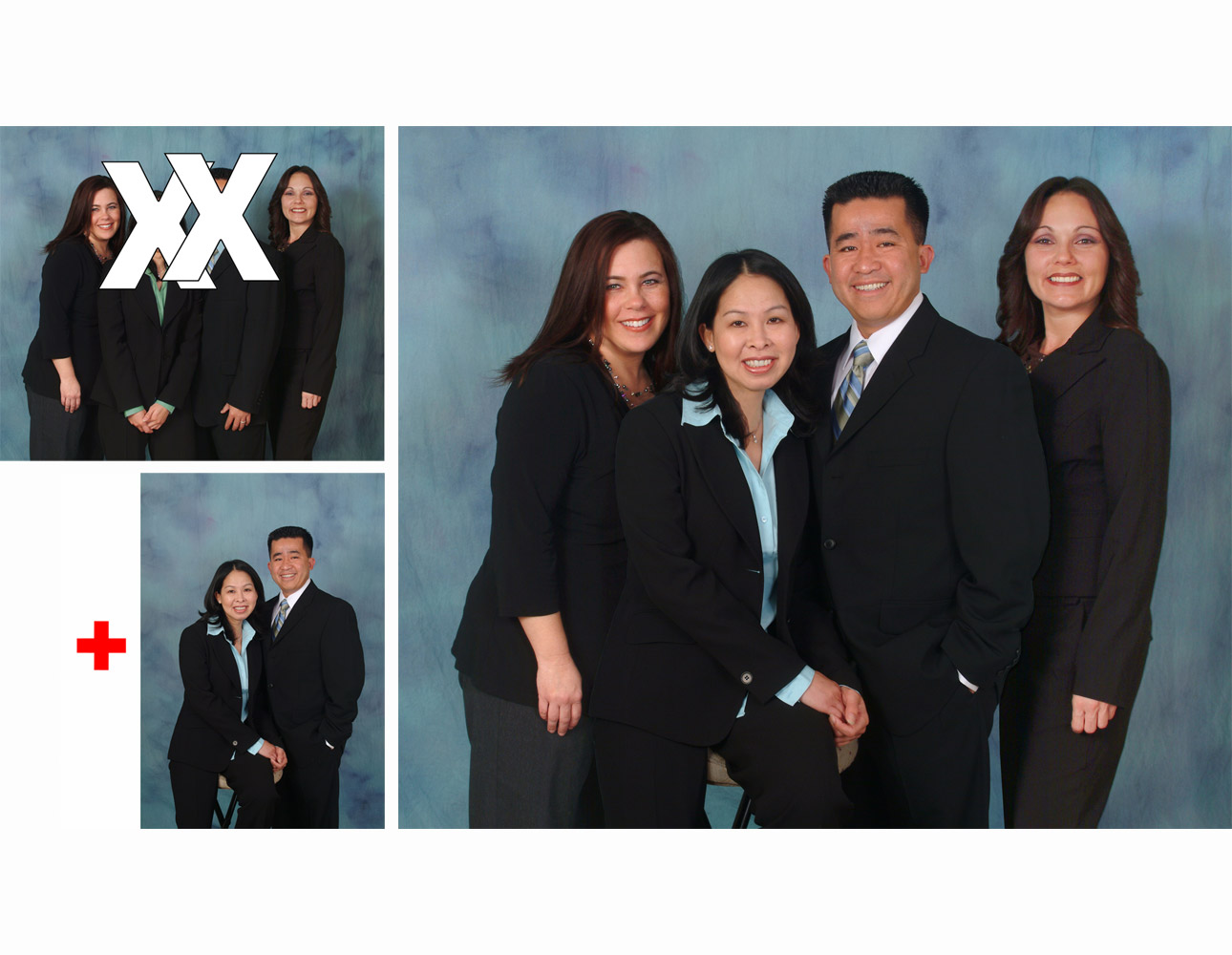
Photoshop montage to replace two people in a group photograph.
Technical Info: Image Manipulation: Photoshop Camera: Fuji S2 Digital
Lens: 35-105mm zoom Lighting: Studio Strobes
Copyright © 2006 by Win

Image correction & background replacement for a car accessories catalog cover.
Technical Info: Image Manipulation: Photoshop Camera: Pentax 67 Medium Format
Film: Kodak EPN transparency Lens: 55mm Lighting: Studio Strobes
Copyright © 20001 by Heaven

Photograph to drawing effect for print catalog. Photoshop special effects.
Technical Info: Image Manipulation: Photoshop Camera: 4x5
Film: Kodak EPN transparency Lens: 210mm Lighting: Studio Strobes Scanning: In House Flatbed
Copyright © 2000 by JT Imports
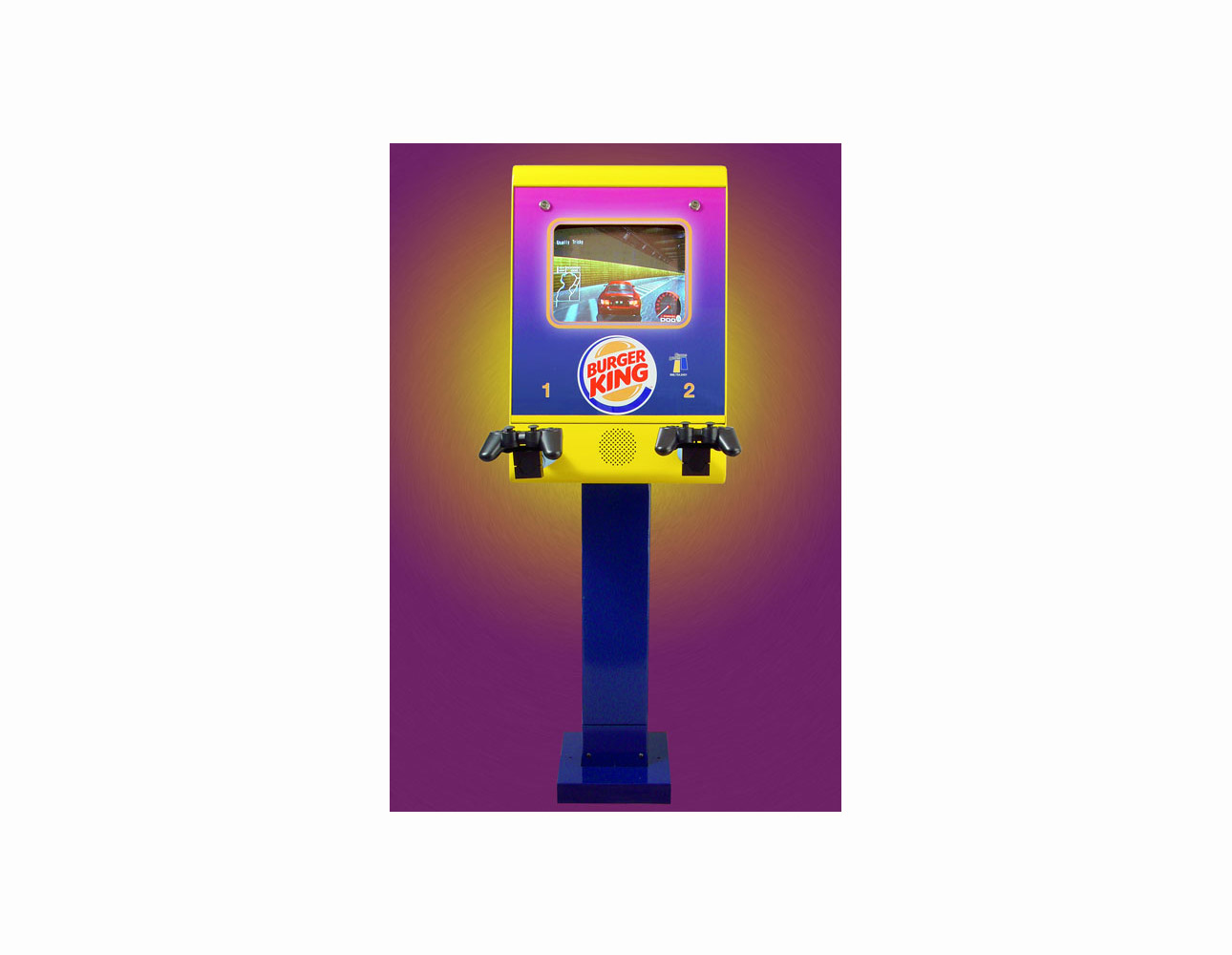
This product was shot against a factory wall. First the factory background was removed and then a new digital background was created in Photoshop from colors in the product.
Technical Info: Image Manipulation: Photoshop Camera: Sony Digital
Lens: zoom Lighting: Hot Lights
Copyright © 2002 by Game Unit
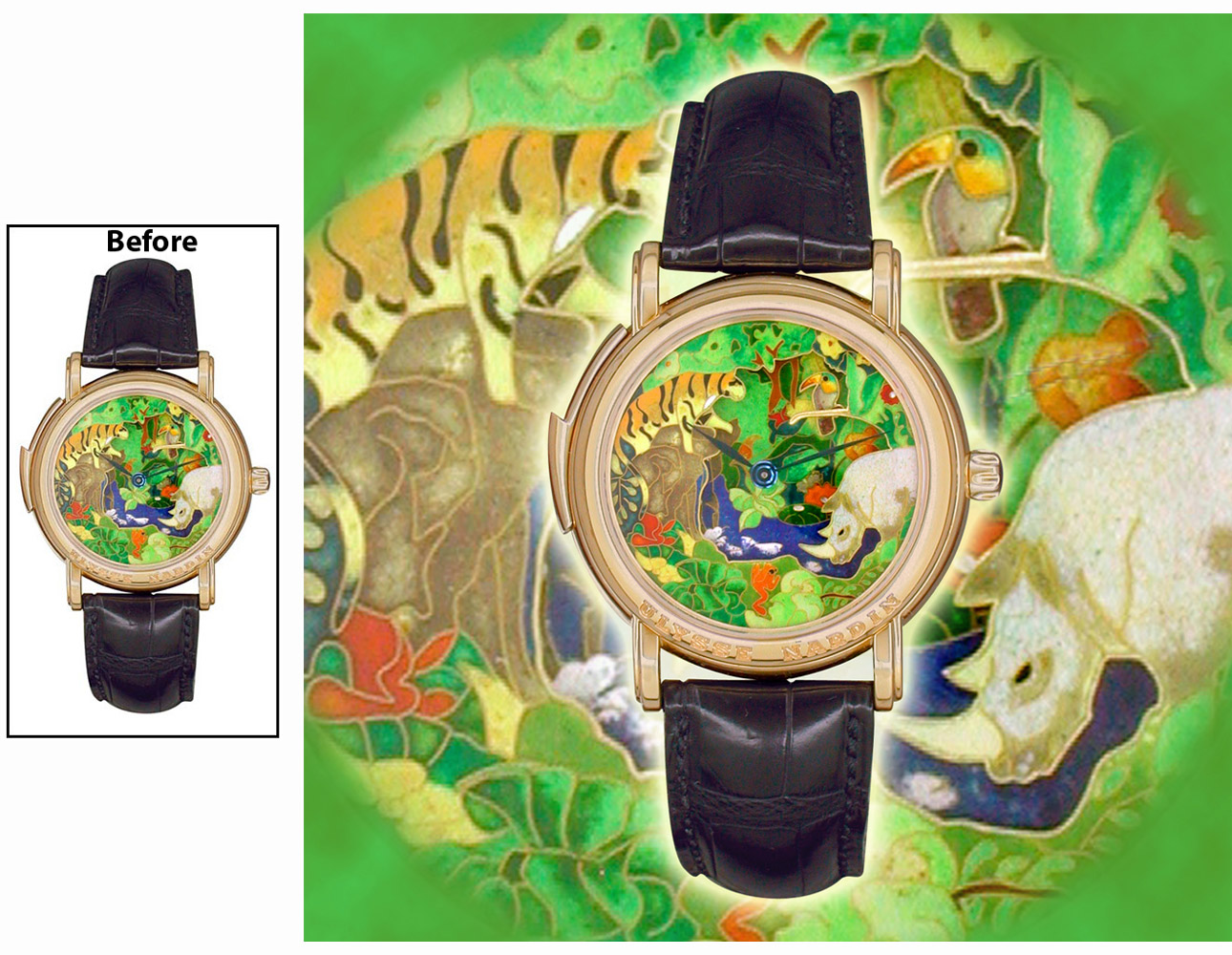
Digital background created from the face of wrist watch. Image for website.
Technical Info: Image Manipulation: Photoshop Camera: Nikon Digital
Lens: zoom Lighting: Hot Lights
Copyright © 2001 by Watchnet

Project for a website homepage image. Client wanted to put an image of a model into an existing snapshot. Photoshop used to correct colors and lighting in original snapshot and to create montage with model.
Technical Info: Image Manipulation: Photoshop Camera: Fuji S2 Digital
Lens: 35-105mm zoom Lighting: Studio Strobes Location photo: Supplied by client
Copyright © 2005 by TechCoat
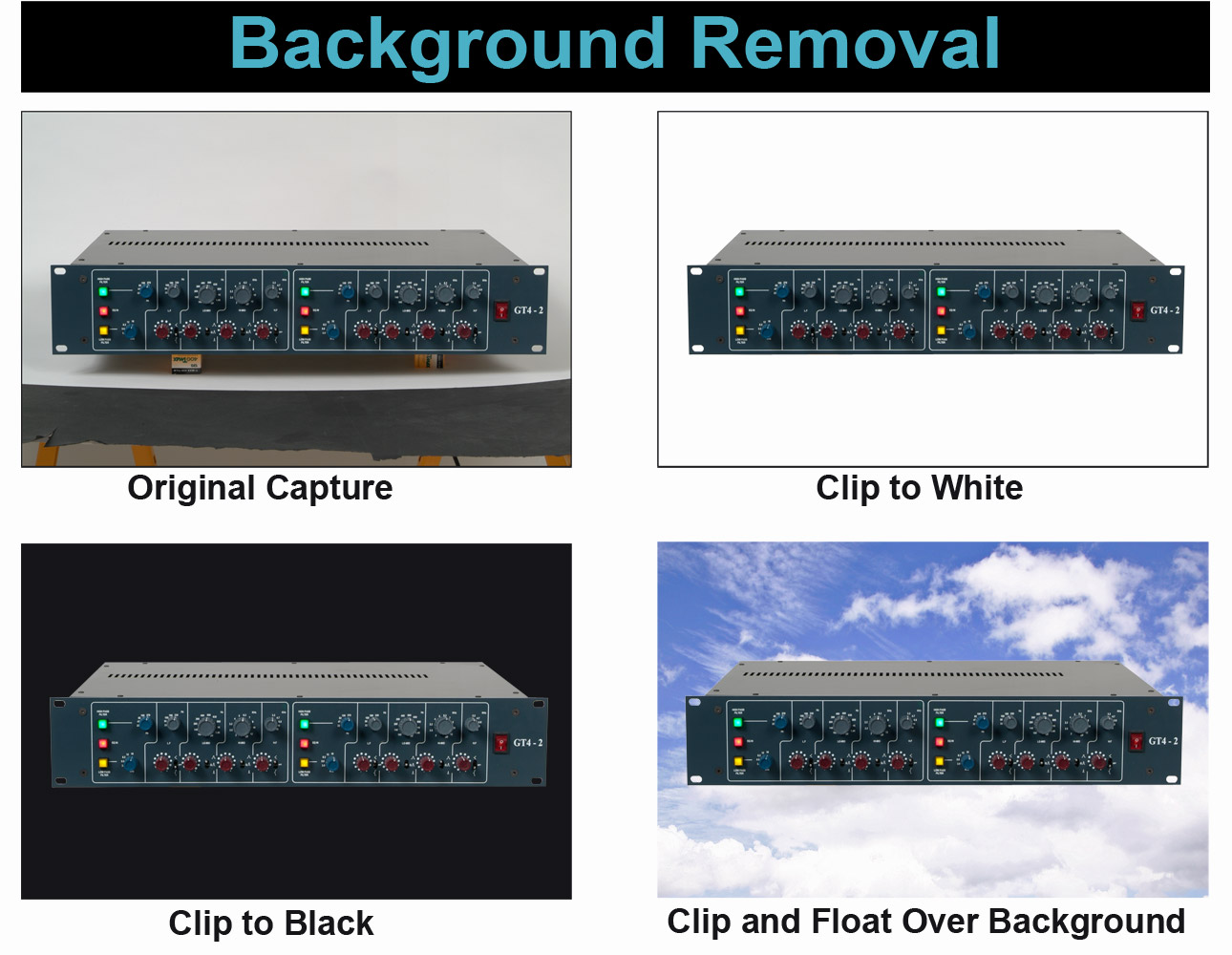
When a product is photographed, both the studio background and product's shadows are also captured. Sometimes that is unwanted. The background and shadows can be digitally removed. Background removal is also called "clipping" a product. Ferguson Photography will "clip" images we shoot or any existing images you may have.
Technical Info: Image Manipulation: Photoshop Camera: Fuji S2 Digital
Lens: 35-105mm zoom Lighting: Studio Strobes
Copyright © 2010 by Aurora

From simple exposure and color corrections to complex Photoshop composites. We will work from your existing digital files, images we've shot, or from your existing photo prints. Photoshop work for corrections or creative effects. Digital removal of backgrounds, images clipped to float over any background.